
How do I view all the visits of any single patient?
Step 1: Open the Patients Menu
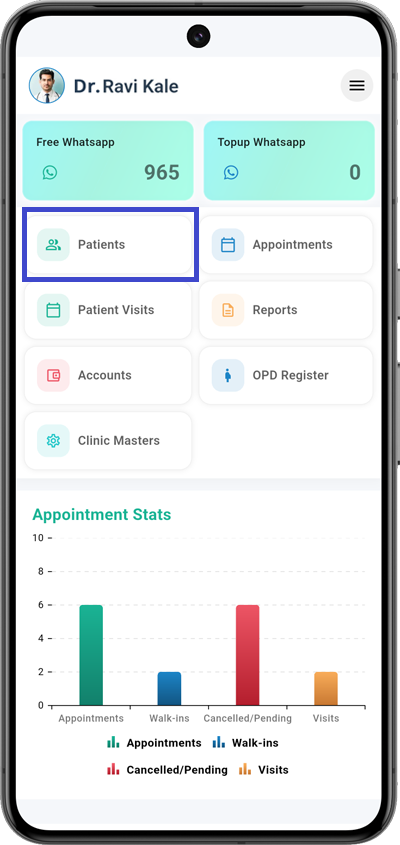
From the Home Screen, tap the Patients menu to access patient management.
Step 2: Search for the patient on Manage Patients Screen
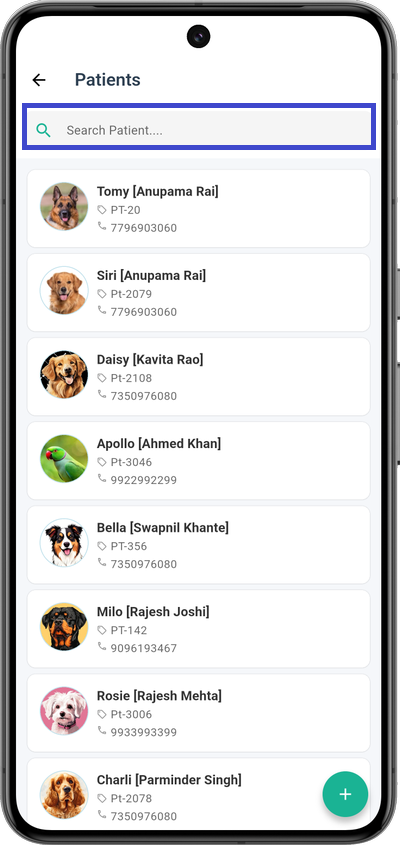
The Manage Patients screen will be displayed. It displays recently accessed patients. It also displays a search bar which can be used to search the patient using patients name, owner's name, mobile, email, patient registration no, species, breed, and microchip number.
Search for the patient whose visits you wish to view using any of the above criteria.
Step 3: Tap the patient record to view patient details
Step 4: View Patient Details
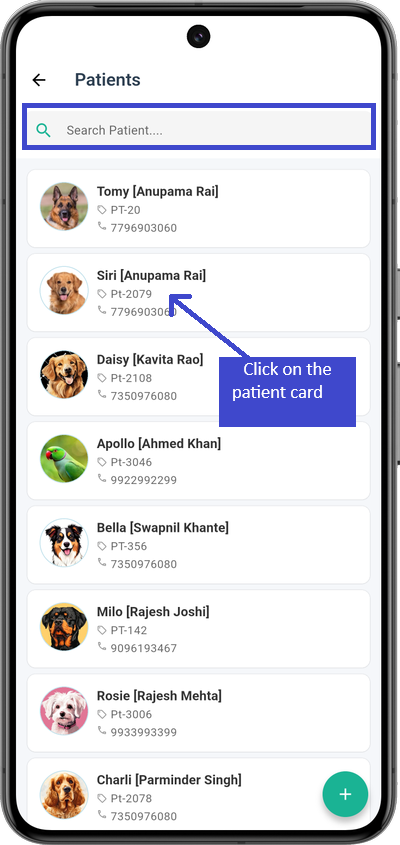
Tap the appropriate patient card to open and view the patient's complete details.
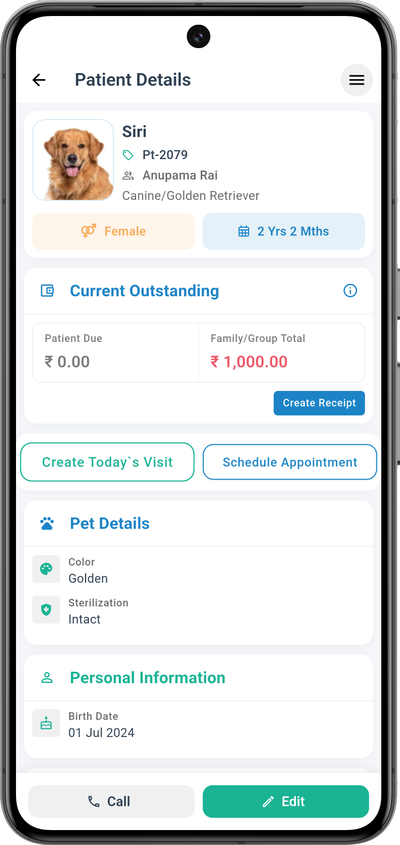
Step 5: Tap on Manage Visits Option
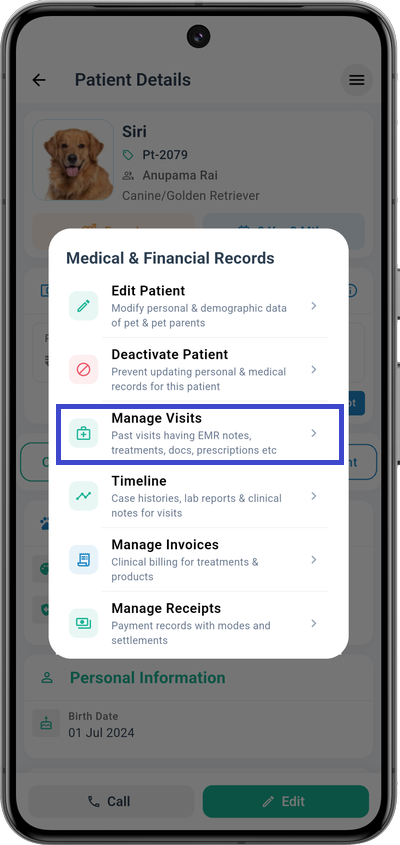
Step 6: View Patient's Visits
Cards for each patient visits are displayed date-wise.
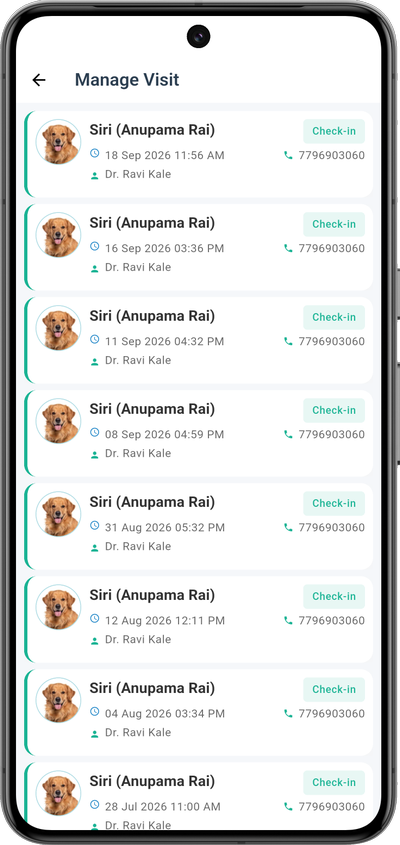
Step 7: Tap the Patient Visit Card
Tap any Patient Visit card to view or edit the details of that particular visit.